

The phone across the room
Card 45 of 52
Put it on the board and read it out. Nothing to prepare.
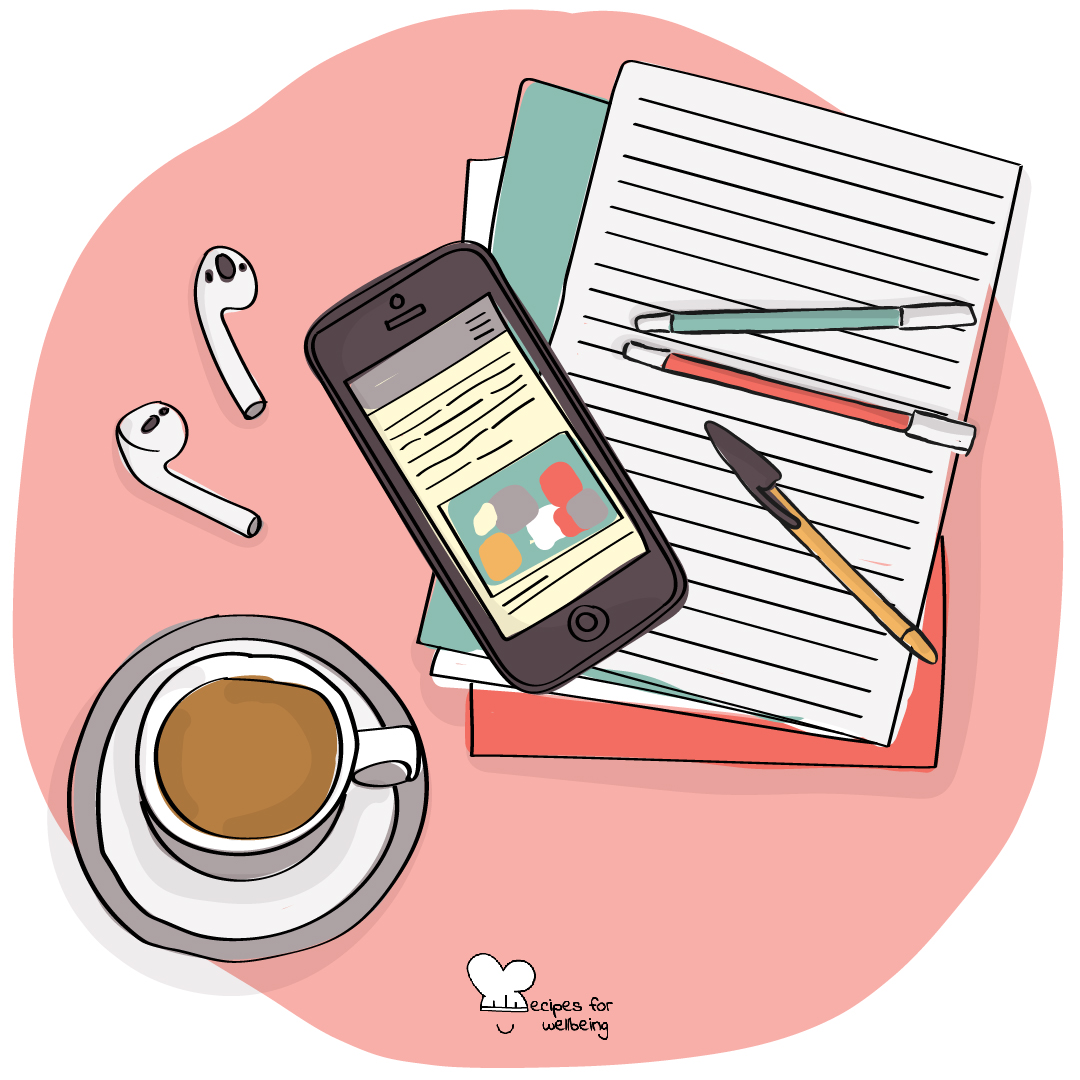

Without checking, notice whether you know where your phone is right now, and how quickly the answer came.
A phone within sight can keep drawing some of our attention, even face-down and silent, though people experience this differently.
If you would like to experiment during revision, choose one study session when your phone stays in another room, and notice what happens to your attention.
You can choose the time privately now. Twenty minutes is enough.
That’s the practice.
Listen for Some students may touch a pocket or bag without thinking. There is no need to point it out.
The skill of digital boundaries. Setting healthy limits on when and how you engage with digital technologies.
Where does your digital life feel out of alignment with your wellbeing, and what boundary would help you engage more intentionally?
The skill of digital boundaries
Setting healthy limits on when and how you engage with digital technologies.
Try it yourself first
“An Hour Kept Clear” takes a few quiet minutes, just for you, before you teach it. Nothing you write in it is saved or sent.
Adapting it
If you have longer
There is a full lesson on this skill, about 39 minutes.
Your email opens with this card named in the subject, and nothing is sent until you send it. A person reads these.
Or write to info@recipesforwellbeing.org
Take the collection into your classroom
Download the complete set of cards, lessons and educator notes in one file, or choose individual resources from their own pages.
Or only the cards: printable PDF or slides to project.


How did that land?