

Choosing how you use your phone
Learning intention By the end of this lesson, students can identify a feature designed to hold attention and describe one small digital choice connected to something they value.
- Time
- 40 minutes
- How the room works
- Groups of three or four
- You need
- A board, paper and pens
- Opens with
- The unopened phone
Before you start
Keep discussion about fictional users and general design rather than personal habits or content. Students should never be asked to unlock or show a device.
Read the full safeguarding note Adapting it for your class A note home for this lesson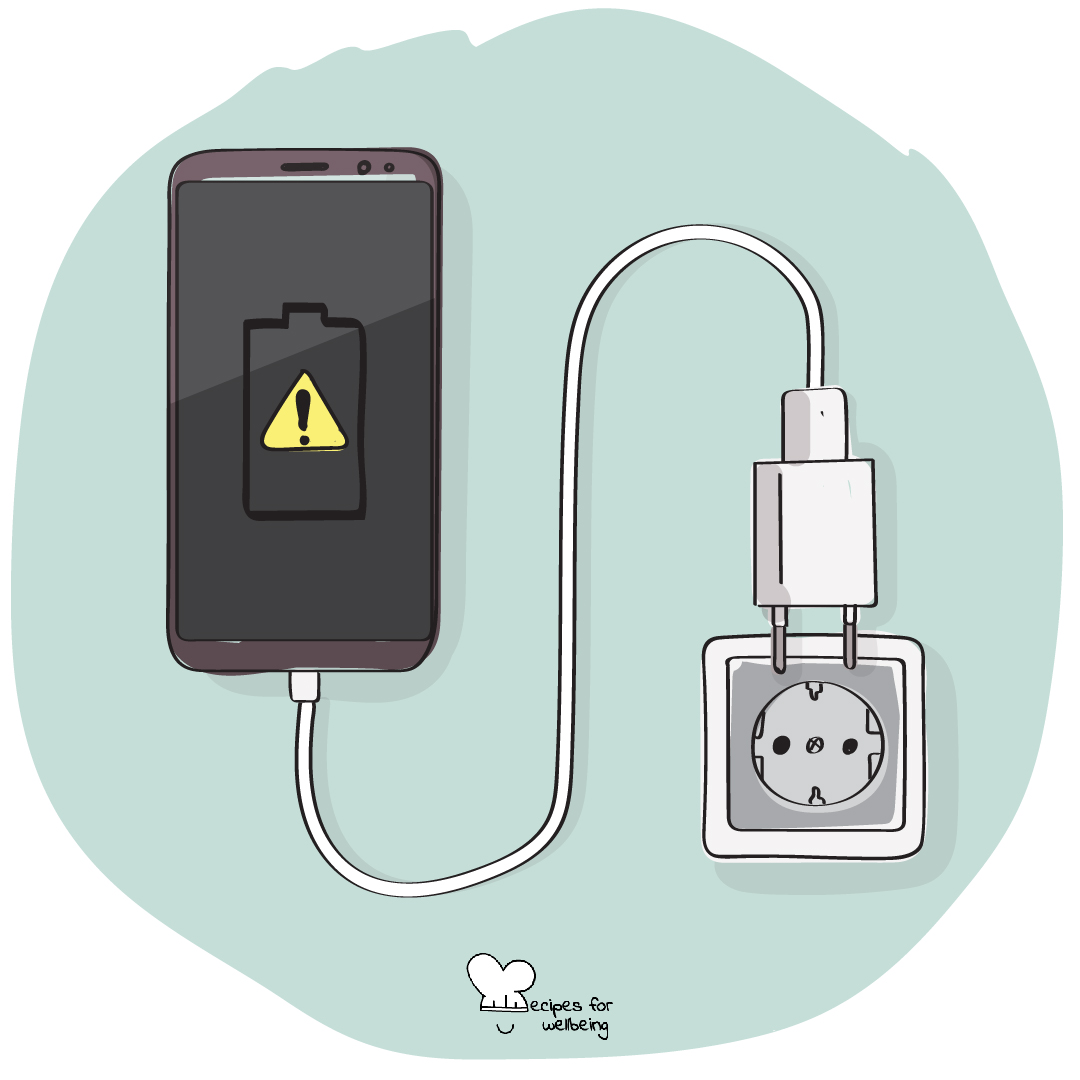
Open this drawing in the library
Why this matters
Phones and online spaces can support friendship, creativity, learning and access. They can also compete for attention in ways that are difficult to notice while they are happening. Digital agency begins with understanding that design influences behaviour and remembering that our choices still matter within the limits and pressures we face.
Skill in context Taking ownership of digital choices and navigating online spaces in ways that support your values and wellbeing.
On the skill of digital agencyTry the interactive practiceTry it yourself first
“What You Chose Yourself” takes a few quiet minutes, just for you, before you teach it. Nothing you write in it is saved or sent.
Open with “The unopened phone”
5 minUse The unopened phone as an observation, not a test of self-control. Students without a phone can notice the pull towards another familiar distraction.
Wherever your phone is, leave it there and notice any pull to check it without judging yourself for having the urge.
Pay attention to how the pull arrives, perhaps as a thought, a movement of the hand or a question about what you may have missed.
Each time you notice it, name it quietly as "pull" and let the moment pass without needing to act on it.
If no pull appears, notice that too. The practice is simply to see what is present.
Listen for Do not treat reaching towards a pocket as failure or stillness as success. The activity is about noticing, and students may not own or carry a phone.
Teacher explanation
10 minDigital agency means having a say in how technology enters your life. That agency is real, but it does not exist in a vacuum. Apps use features such as notifications, autoplay, streaks and infinite scroll because attention has value, and access to devices may also be shaped by family, school, disability and cost.
Here we notice what a digital space invites us to do, ask whether that fits what matters to us and make a choice where choice is available. Technology is neither all good nor all bad, and no student is responsible for an industry designed to keep people engaged.
Questions for the room
- What do platforms gain when people stay for longer?
- What can make time online feel connecting, useful, tiring or flat?
- Where does personal choice help, and where should designers, schools or governments carry more responsibility?
A menu of small choices
16 min- Introduce several common design features, including infinite scroll, autoplay, streaks, notifications, likes and attention-grabbing headlines.
- Each group chooses two features and asks what behaviour each one encourages and whose interests it may serve.
- Ask what a person may value in the same moment, such as connection, sleep, focus, creativity, safety or enjoyment.
- Groups create a menu of four or five small choices that could support those values, such as changing notifications, moving a charger, unfollowing an account or choosing a stopping point.
- Include choices that do not require owning a newer device, paying for an app or having complete control over the household.
- Gather one menu item from each group. No student needs to say what they use or intend to change.
Private reflection
6 minWhat is one small choice that could bring a part of your digital life closer to something you value? "Nothing for now" is also an honest answer.
How they reflect Private journal
Closing
3 minDigital agency can begin before any change is made. We can notice the invitation built into a screen and remember what matters to us before we respond.
Safeguarding
Keep discussion about fictional users and general design rather than personal habits or content. Students should never be asked to unlock or show a device. Respond privately through usual safeguarding routes if cyberbullying, exploitation or distressing content is disclosed.
If something a young person says gives you concern, follow your setting’s usual safeguarding route. This is not yours to carry alone.
Adapting it
In other settings
Take this lesson with you
The plan is editable, so you can change the names, the examples and the timings to fit the young people in front of you.
To teach

For students

Your email opens with this lesson named in the subject, and nothing is sent until you send it. A person reads these.
Or write to info@recipesforwellbeing.org
Take the collection into your classroom
Download the complete set of cards, lessons and educator notes in one file, or choose individual resources from their own pages.
Or only the cards: printable PDF or slides to project.