
Deciding when technology gets your attention
Learning intention By the end of this lesson, students can explain a digital boundary and design one realistic limit for a fictional situation.
- Time
- 39 minutes
- How the room works
- Groups of four
- You need
- Paper and pens; fictional situations on a board or slide
- Opens with
- The phone across the room
Before you start
Use fictional situations and never ask students to disclose habits, messages or content. Remember that device access can be connected to safety and care.
Read the full safeguarding note Adapting it for your class A note home for this lesson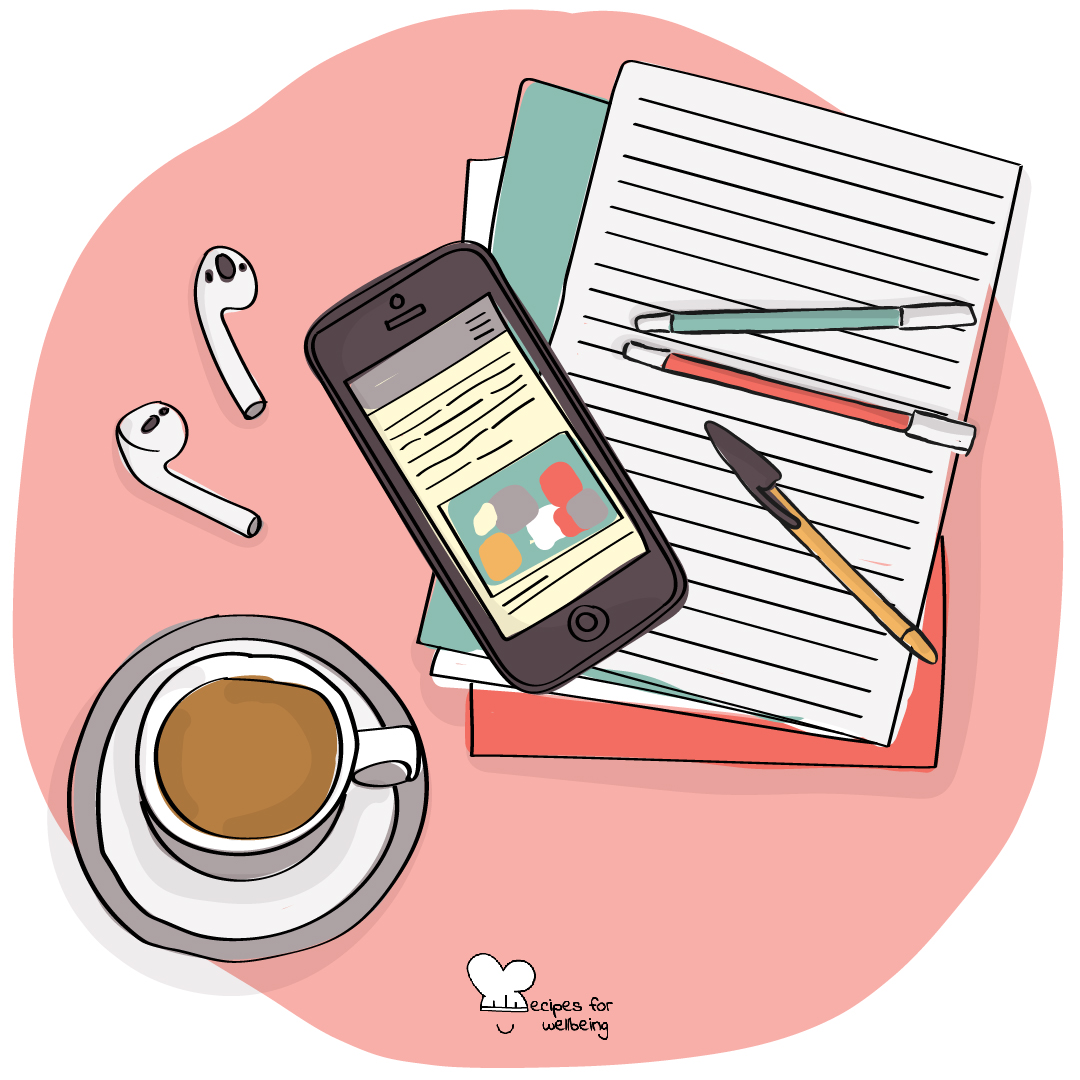
Open this drawing in the library
Why this matters
Technology can be valuable and still need a boundary. Choosing when and where a device gets our attention may protect sleep, focus, relationships or time that matters for something else. A useful boundary responds to real circumstances and can be adjusted without becoming a punishment.
Skill in context Setting considered limits on when and how you engage with digital technologies.
On the skill of digital boundariesTry the interactive practiceTry it yourself first
“An Hour Kept Clear” takes a few quiet minutes, just for you, before you teach it. Nothing you write in it is saved or sent.
Open with “The phone across the room”
4 minUse The phone across the room to notice the relationship between location and attention. No device is moved during the practice and no one is asked to describe their phone use.
Without checking, notice where your phone is right now. If you do not have one with you, choose another object that often calls for your attention.
Notice whether part of your attention is keeping track of it, and let the answer be whatever it is.
Imagine one short period in which the device is out of sight or harder to reach, and consider what that might make easier or more difficult.
You do not need to make a promise. We are only noticing how distance may change the choices available.
Listen for Students may instinctively check a pocket, and this should be met without judgement. Do not claim that distance improves attention for everyone.
Teacher explanation
10 minA digital boundary is a limit on when, where or how technology is used. It may be a device-free time, a place where screens are put aside or a ritual that helps someone move between online and offline activity.
Boundaries are shaped by context. A student may need a device for safety, translation, disability support, work or family responsibilities. There is no universal rule. A good boundary protects something important and fits what the person actually needs.
Questions for the room
- Why can a chosen boundary feel different from a rule imposed by someone else?
- What may make a digital boundary difficult to keep?
- How can a boundary protect connection rather than cutting someone off from it?
Design a boundary
16 min- Give each group one fictional situation, such as a group chat that continues through the night, notifications during revision or videos extending beyond a planned stopping point.
- Ask what the person is trying to protect and what needs or responsibilities the boundary must still allow.
- Choose one form: a device-free time, a device-free space or a small transition ritual.
- Design one realistic and kind boundary, then name what could make it hard to keep.
- Adjust the boundary so it includes flexibility, access needs and a way to begin again after it is broken.
- Each group shares its boundary and the value it protects, without discussing personal phone use.
Private reflection
6 minWhich boundary idea could fit a real and busy life? Note a small version, or write why none of today's options would fit your circumstances.
How they reflect Private journal
Closing
3 minA boundary is a way of deciding where attention will go. The most useful one protects something that matters and leaves enough flexibility for the life around it.
Safeguarding
Use fictional situations and never ask students to disclose habits, messages or content. Remember that device access can be connected to safety and care. Follow usual safeguarding routes if a student mentions coercion, isolation, harmful content or contact online.
If something a young person says gives you concern, follow your setting’s usual safeguarding route. This is not yours to carry alone.
Adapting it
In other settings
Take this lesson with you
The plan is editable, so you can change the names, the examples and the timings to fit the young people in front of you.
To teach

For students

Your email opens with this lesson named in the subject, and nothing is sent until you send it. A person reads these.
Or write to info@recipesforwellbeing.org
Take the collection into your classroom
Download the complete set of cards, lessons and educator notes in one file, or choose individual resources from their own pages.
Or only the cards: printable PDF or slides to project.